Tutorials
Hands-on, end-to-end walkthroughs — one per demo. Each is self-contained and
copy-pasteable; outputs shown are from live runs on the KVM node behind
https://beta.barista.sh.
| Tutorial | What you run |
|---|---|
| 1 · Counter | A number that survives pause→resume (memory, not disk) — the "aha" |
| 2 · Claude Code session | Claude Code inside a session; attach, pause, resume |
| 3 · Codex session | Codex inside a session; attach, pause, resume |
| 4 · Sessions via MCP | Drive the session lifecycle from an MCP client (e.g. Claude Code) |
| 5 · Session in Zed (ACP) | Drive a session's agent from Zed over the Agent Client Protocol |
| 6 · Agent in a pausable sandbox | End-to-end: agent codes in a sandbox → pause/resume → barista sync the result down |
| 7 · Templates | Build once, register a name, create by name — no digest hunting |
| 8 · Python SDK | The lifecycle from Python (typed errors, wake-on-exec) + the E2B migration path |
| 9 · Private images | Fleet registry allowlist, the 422, and the one operator step for private pulls |
One-time setup (used by every tutorial)
You need the barista CLI, an API key, and (for create) a running
Docker so the CLI can resolve image digests.
# from the repo, until it's on a package index:
alias barista='uv run barista'      # or: python -m barista_cloud.cli

export BARISTA_URL=https://beta.barista.sh
barista login <your-api-key>              # saved to ~/.config/barista/key
barista ls                                # → {"tenant":"you","sessions":[]}
Get a key from the console (/app/keys) or an operator (demos/seed.py).
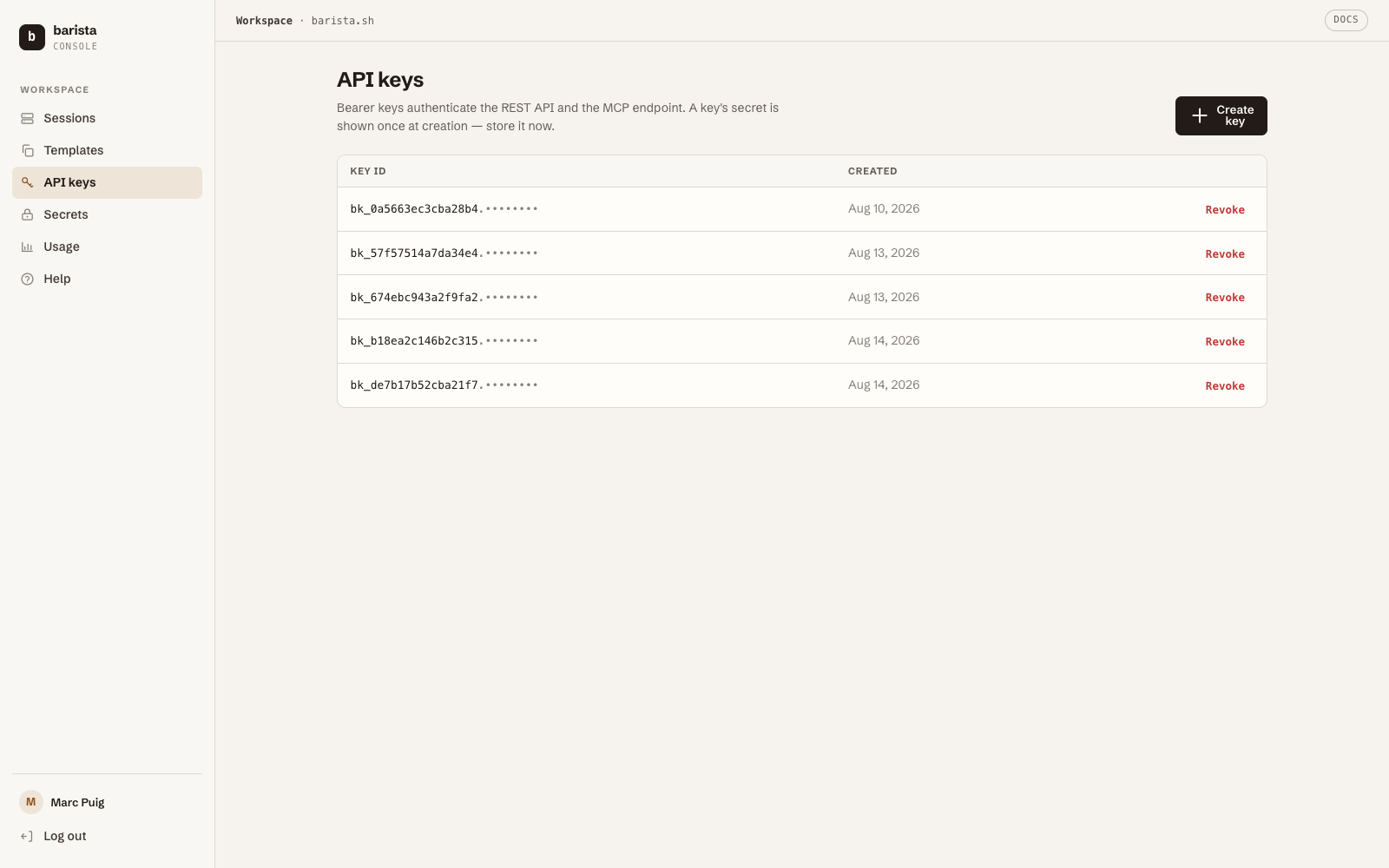
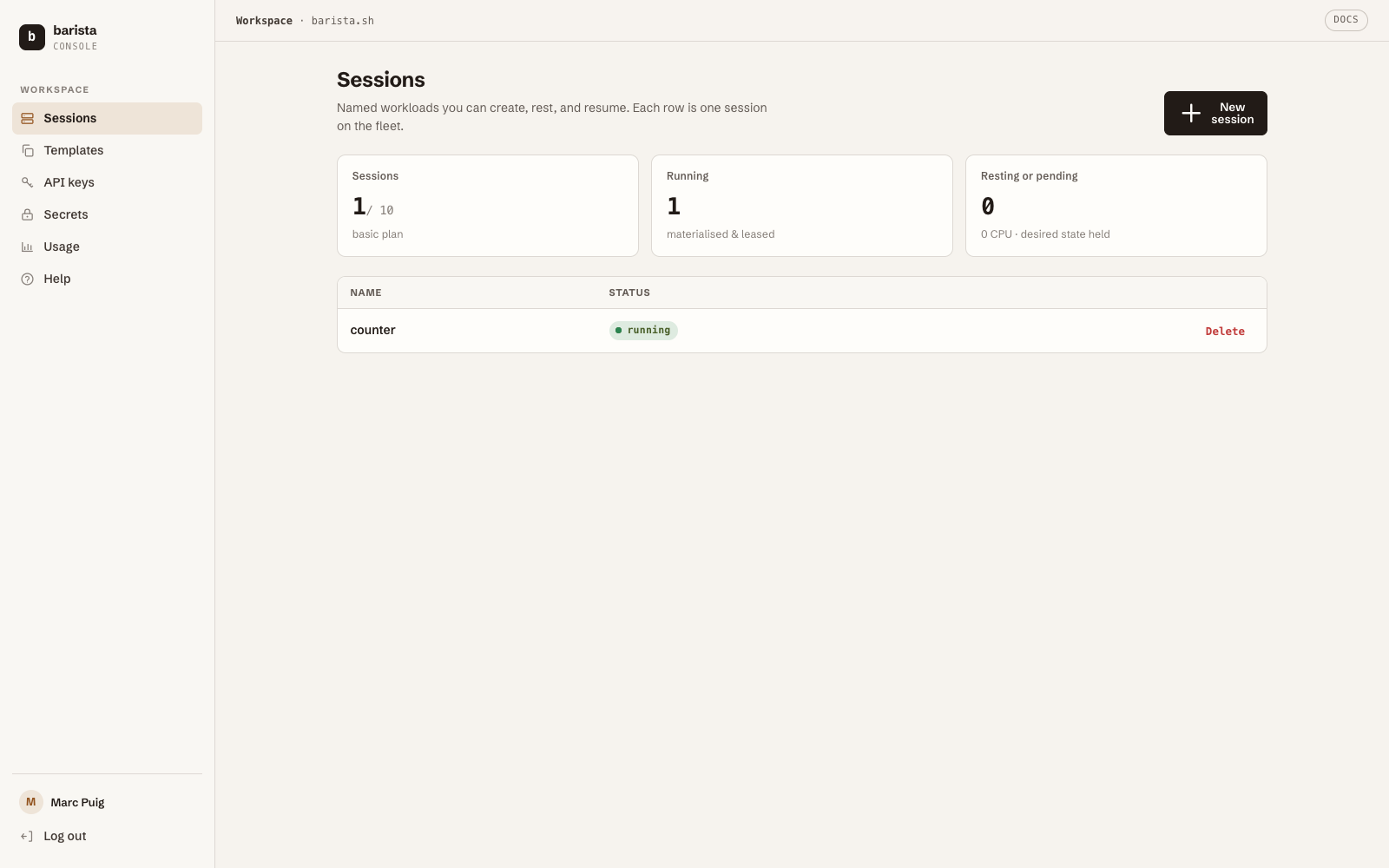
Every session you create in these tutorials also shows up live in the console
(/app), with pause/resume, exec, and the event stream one click away:
Background: the engine's own concepts (sessions, sleep-and-wake, snapshots)
live on the barista.sh docs site; the
full CLI reference is ../using-barista-cloud.md.