Tutorial 7 · Templates
Goal: build an image once, register it as a named template, and create
sessions from it by name — no more hunting digests with docker inspect, and
no more multi-arch index-digest surprises.
Prereq: the one-time setup
(CLI + key + Docker), plus a registry you can push to and the node can pull
from — a public repo (e.g. ghcr.io/<you>/<repo> set to public, or Docker
Hub) is the zero-config option.
Build and register
Any Dockerfile works. A useful real one bakes an agent's tooling in, so
sessions boot ready instead of npm install-ing at first exec:
One command builds it, pushes it, resolves the digest, and registers the name:
barista template build cc --repo ghcr.io/<you>/barista-templates --context .
# … docker build + push output …
# {
#   "name": "cc",
#   "image": "ghcr.io/<you>/barista-templates:cc",
#   "digest": "sha256:e3ffab9a…",
#   "created_at": "…", "updated_at": "…"
# }
Worth knowing what just happened with the digest: docker push prints the
multi-arch index digest, but the CLI registers the platform manifest
digest (default linux/amd64, override with --platform) — the digest of the
one artifact your build actually produced for the fleet's architecture, not a
family that varies by puller. If the requested platform doesn't exist under
the pushed tag, the command fails and lists the per-platform digests it found
instead of registering ambiguity.
Already have a local image? Skip the build: --image my-img:latest tags,
pushes, and registers it the same way.
Create sessions by name
barista template ls
# [{"name": "cc", "image": "ghcr.io/<you>/barista-templates:cc", "digest": "sha256:e3ffab9a…", …}]

barista create agent1 --template cc -- sleep 3600
# {"name": "agent1", "status": "pending"}

barista status agent1
# … "image": "ghcr.io/<you>/barista-templates:cc", "digest": "sha256:e3ffab9a…" …
The gateway resolved the template server-side before admission: the stored
session spec is indistinguishable from one created with an explicit
--image/--digest pair, and the node never sees the concept. --template
and --image are mutually exclusive; a template is already digest-pinned, so
--digest doesn't apply either.
Rebuild and update
Re-registering a name replaces it in place — that's the normal flow, not an error:
# edit the Dockerfile, then:
barista template build cc --repo ghcr.io/<you>/barista-templates --context .
# … "digest": "sha256:<new>…"
Sessions created after the rebuild get the new digest; sessions already running keep the digest their spec captured (they're immune to rebuilds — delete and recreate to move one forward).
Clean up
Deleting a template never touches sessions created from it, for the same reason: their specs carry the resolved digest, not the name.
Notes
- The console lists your templates at
/app/templates(delete included); registration stays in the CLI because the build runs on your docker.
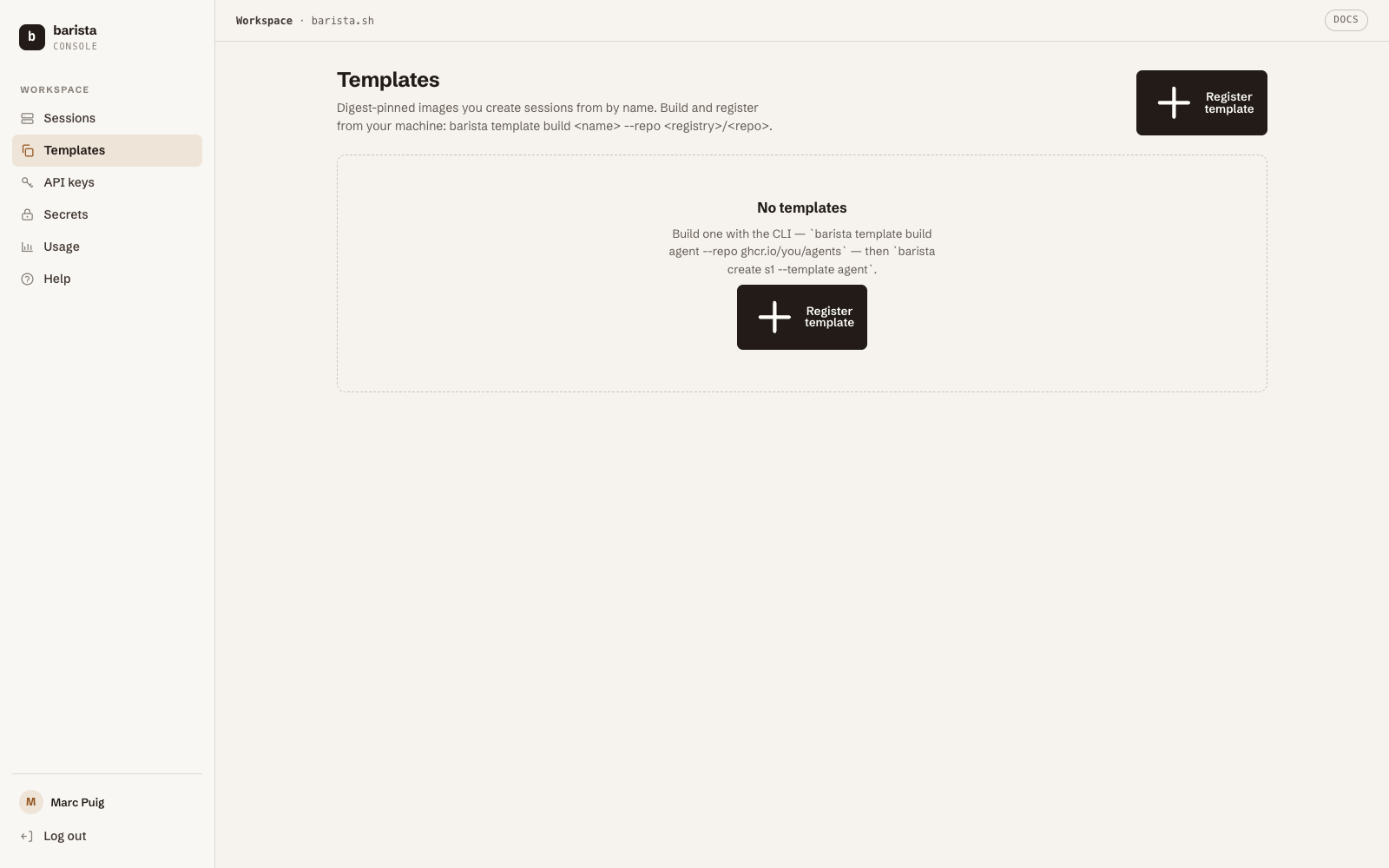
- The node pulls the image, so the reference must be pullable from the
node's network — public repos need nothing; private ones need a registry
credential on the node (a standard Docker
config.json, one operator step per node, fleet-wide). If registration answers 422 naming allowed registries, the fleet has declared what it can pull from — push there. - Every create surface takes templates: CLI (
--template), REST/SDK (template=), and the MCPsession_createtool ("template": "<name>").