Tutorial 2 · A Claude Code session
Goal: use Claude Code exactly the way you would locally — cd into a project
and run claude — but inside a pausable Barista session. Freeze it mid-task
to stop the clock, come back later, and --continue the same conversation.
This mirrors the Claude Code terminal flow:
cd your-project && claude, natural-language coding in the terminal, with
ANTHROPIC_API_KEY skipping the login prompt. The Barista twist is pause/resume.
Prereq: the one-time setup,
plus your ANTHROPIC_API_KEY exported locally (for an actual conversation).
How it maps
| Claude Code, locally | …in a Barista session |
|---|---|
cd your-project |
a session whose image carries Claude Code + your code |
claude (interactive) |
barista attach … -- claude — a real PTY |
ANTHROPIC_API_KEY skips login |
--env ANTHROPIC_API_KEY forwards your key to the agent |
claude -p "…" (headless) |
barista exec … -- claude -p "…" |
claude --continue |
resume the VM, then attach … -- claude --continue |
The key point: --env / --workdir are applied to the command you attach or
exec (a fresh process), not to the long-lived workload — so the agent you launch
sees your API key and starts in the project directory.
Step 1 — create the session
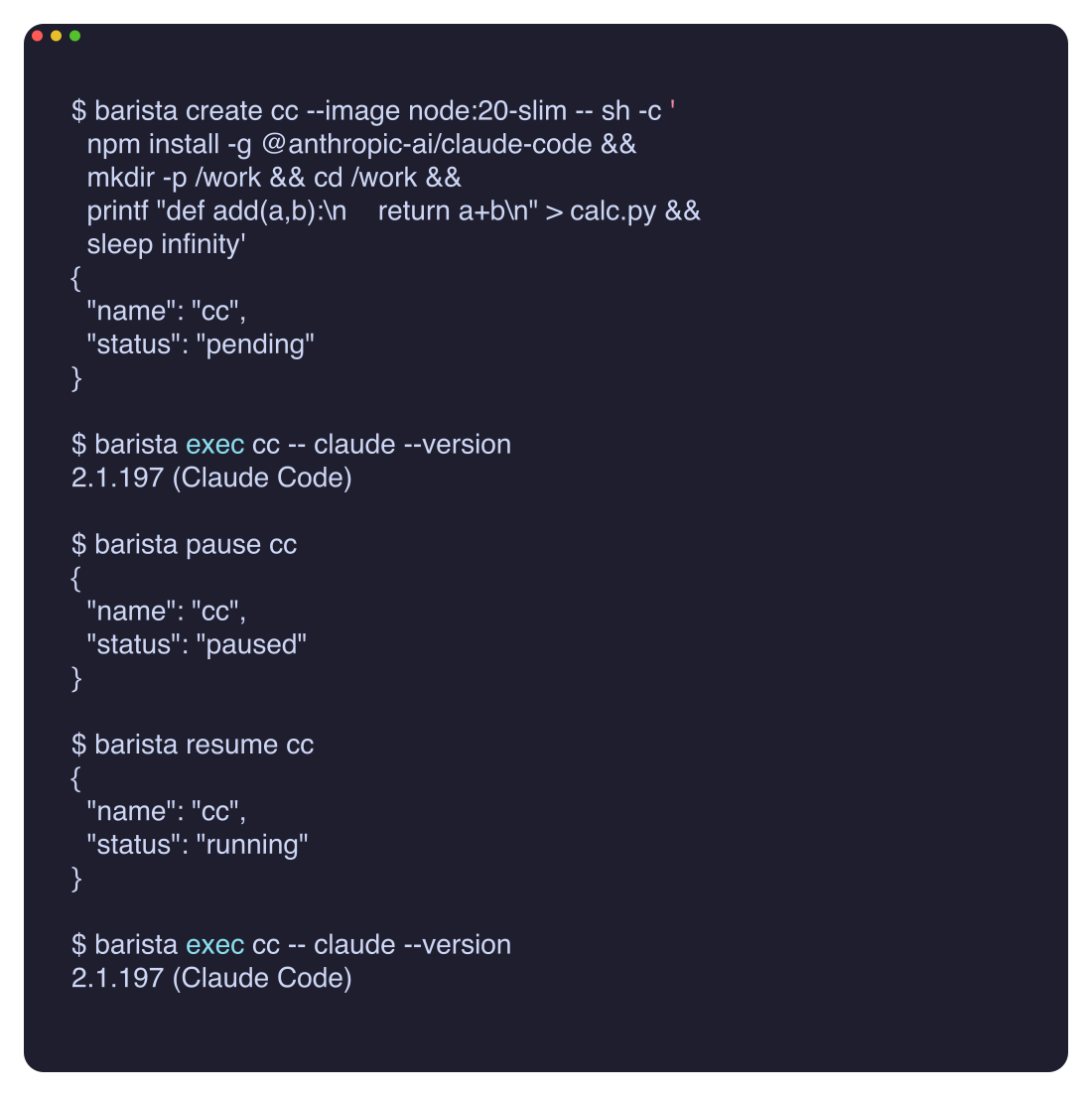
Fastest path, no registry: a Node base that installs Claude Code, checks out a tiny project, then idles.
barista create cc --image node:20-slim -- sh -c '
  npm install -g @anthropic-ai/claude-code &&
  mkdir -p /work && cd /work &&
  printf "def add(a,b):\n    return a+b\n" > calc.py &&
  sleep infinity'
# {"name": "cc", "status": "pending"}
Wait for it to run and the install to finish (~1–2 min):
For a deterministic, pinned image with the CLIs and the sample project baked in, build
../../demos/claude-code/once as a template —barista template build cc --repo <registry>/<repo> --context demos/claude-code— then every future session is justbarista create cc2 --template cc -- …(no digest hunting; the template stays pinned).
Step 2 — attach straight into Claude Code
No manual export, no login prompt — forward your key and open the agent in the
project:
export ANTHROPIC_API_KEY=sk-ant-…
barista attach cc --env ANTHROPIC_API_KEY --workdir /work -- claude
You're now in interactive Claude Code, in /work, on a real PTY (arrow keys,
Ctrl-C, resize all work). Give it a task in plain language:
Exit the agent (Ctrl-D) to detach — the session keeps running.
--env ANTHROPIC_API_KEY (bare, no =) forwards your local value, so the
secret never appears on the command line. --env KEY=value passes a literal.
Headless mode (scripting / CI)
The same session, non-interactively — the analogue of claude -p:
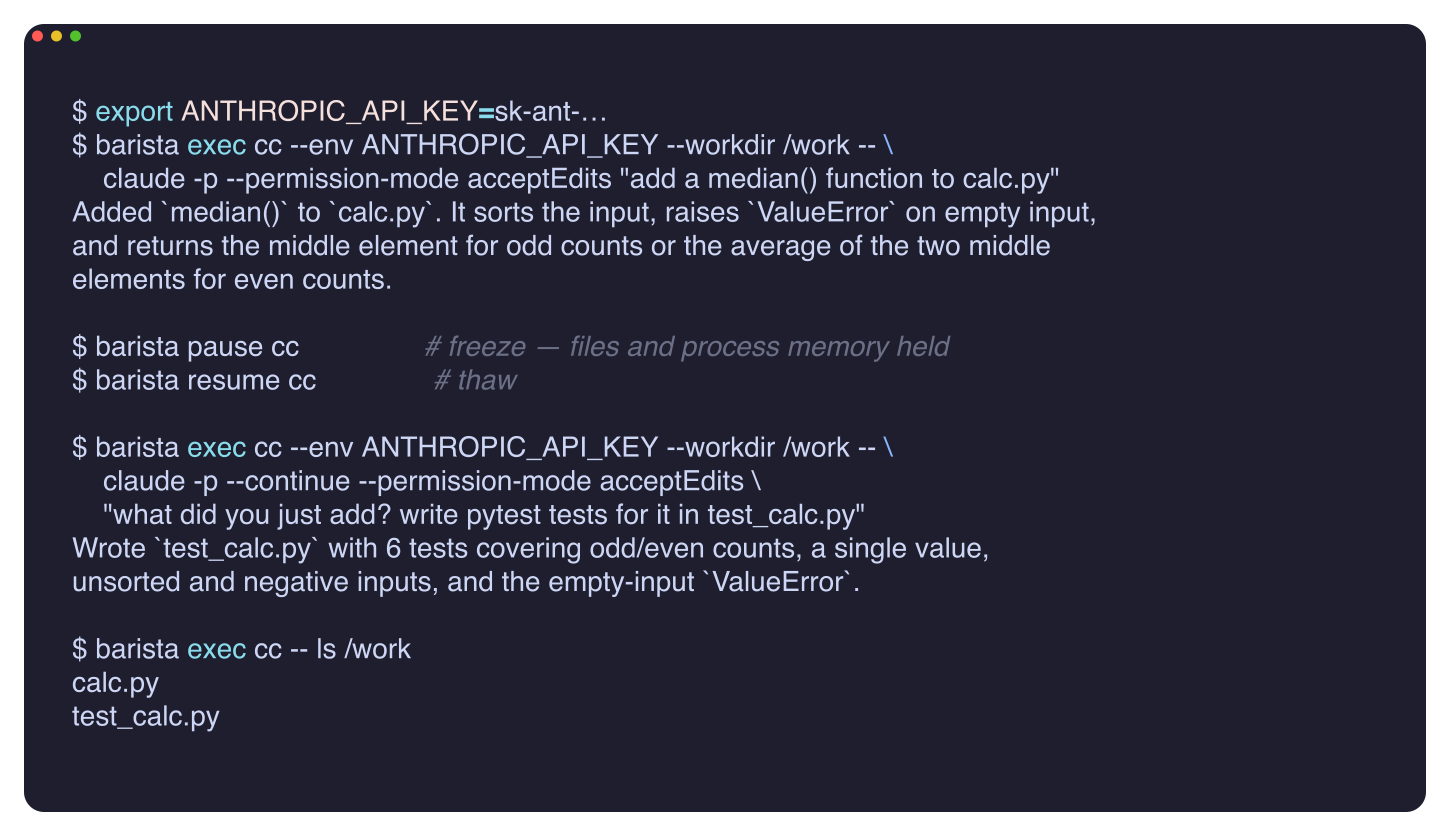
barista exec cc --env ANTHROPIC_API_KEY --workdir /work -- \
  claude -p --permission-mode acceptEdits \
  "add a median() function to calc.py"
(--permission-mode acceptEdits lets headless Claude write files without an
interactive approval prompt — without it, -p runs are read-only.)
Step 3 — pause mid-task, resume, continue
barista pause cc     # stop the clock — on KVM the VM (files + memory) is frozen
# …go to lunch, shut your laptop…
barista resume cc    # thaw
barista attach cc --env ANTHROPIC_API_KEY --workdir /work -- claude --continue
claude --continue picks the conversation back up. On the hypeman/KVM node the
paused VM holds the whole filesystem and process memory across the freeze, so
nothing is lost between pause and resume — you're billed only for wall-clock time
the session is running.
The same continuity works headless — a live run: claude -p adds median(),
the session is frozen and thawed, and claude -p --continue still knows what
"you just added" and writes the tests for it:
Passing the key cleanly
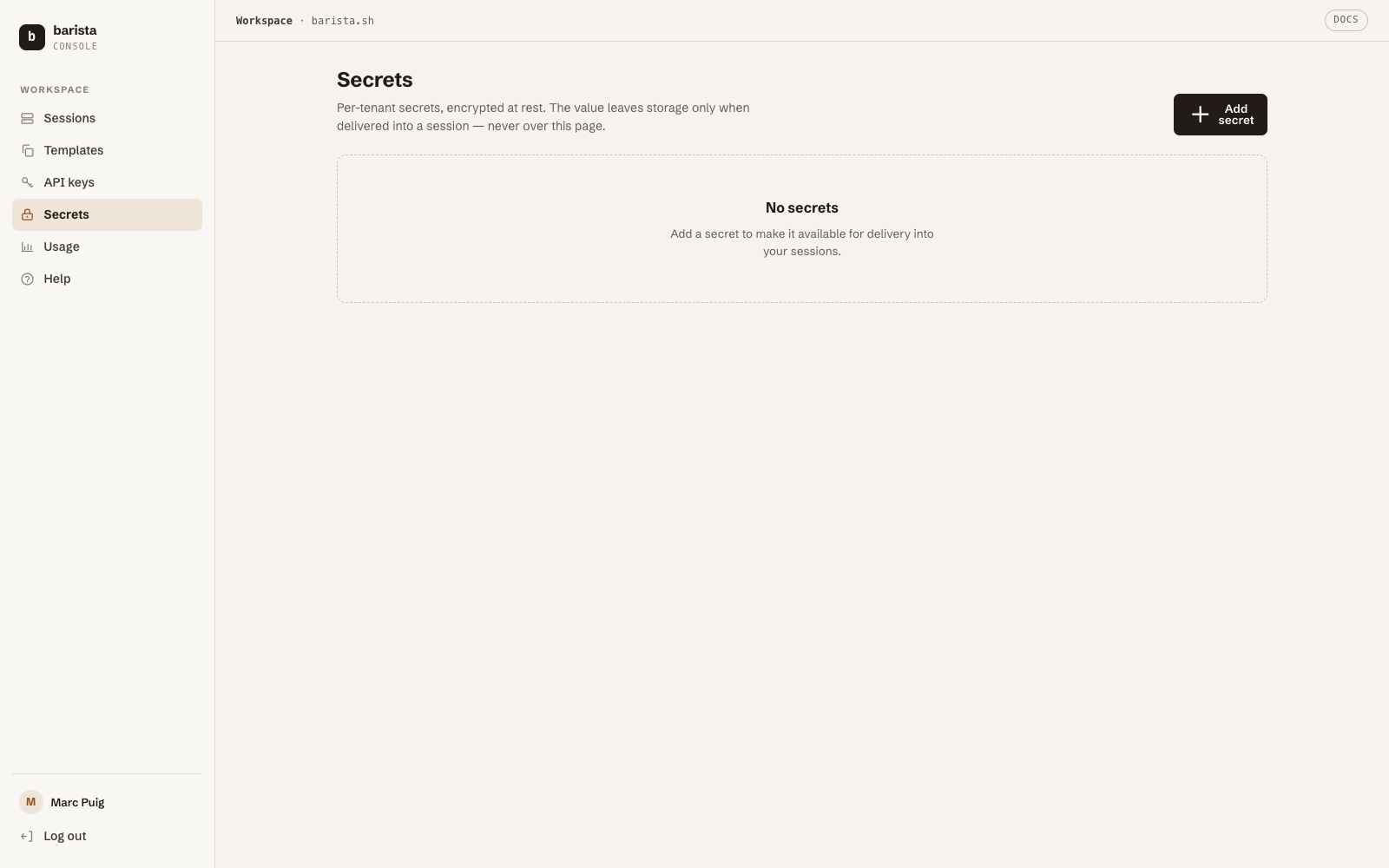
--env ANTHROPIC_API_KEY forwards it per-attach/exec, which keeps it out of the
session's stored desired-state entirely. For shared or long-lived keys, prefer the
control plane's secrets store over passing keys on the command line at all.
Clean up
Next: the same thing with Codex, or drive it all from an MCP client.